
DOWNLOAD FULL GUIDE HERE
Stop wasting time. Here are the AI tools that actually work for architects and designers in 2025 and exactly how to use them without losing quality or control.
You've heard the hype: "AI will revolutionize architecture."
What you actually need is different. You need tools that:
- Save time without replacing judgment
- Integrate cleanly into your existing workflow
- Keep your designs original and your IP safe
- Aren’t so complex they require an engineer to operate
Over the last 18 months, I’ve tested dozens of AI tools with architecture and design firms across Austria, Germany, and the broader EU. Most are noise. Some are genuinely useful.
This guide covers only the tools that have stayed in real workflows used daily by architects, not just demoed at conferences
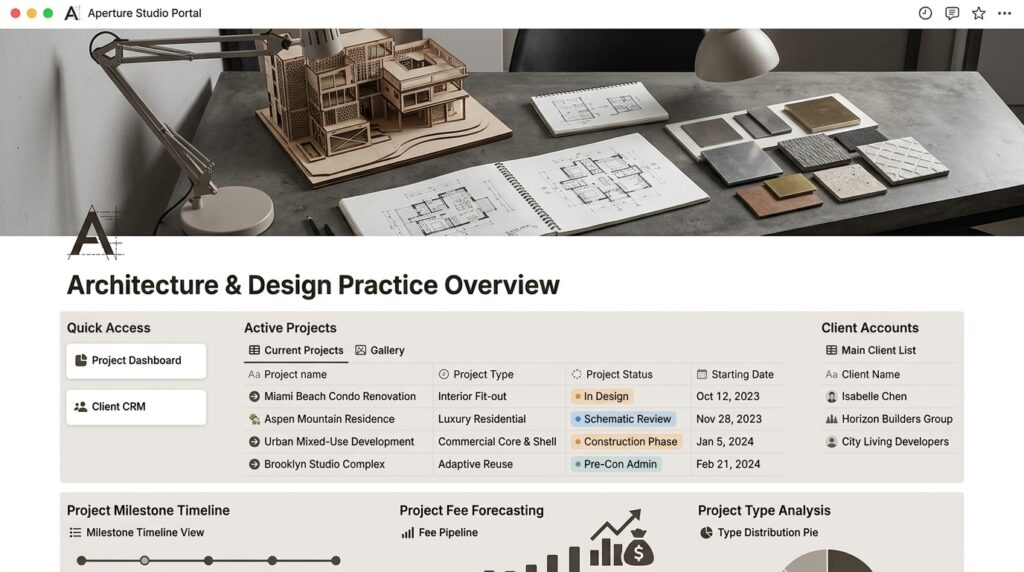
Part 1: The Core Stack
1. Claude
What it does: Strategic thinking, problem-solving, writing, research, project management.
Why architects use it:
- Brainstorming design concepts and project strategy
- Writing briefs, proposals, and client communication
- Analyzing site constraints and program requirements
- Generating design checklists and methodology
- Researching building codes, regulations, precedents
- Organizing project information and workflows
Real example: A 12-person architecture office in Amsterdam uses Claude daily for initial program analysis, client brief writing, and workflow optimization. One architect told us: “Claude cuts our research phase from 3 hours to 30 minutes.”
Cost: €20/month (Claude Pro)
Time saved: 2-4 hours/week per team member
2. Midjourney + AI Image Editors
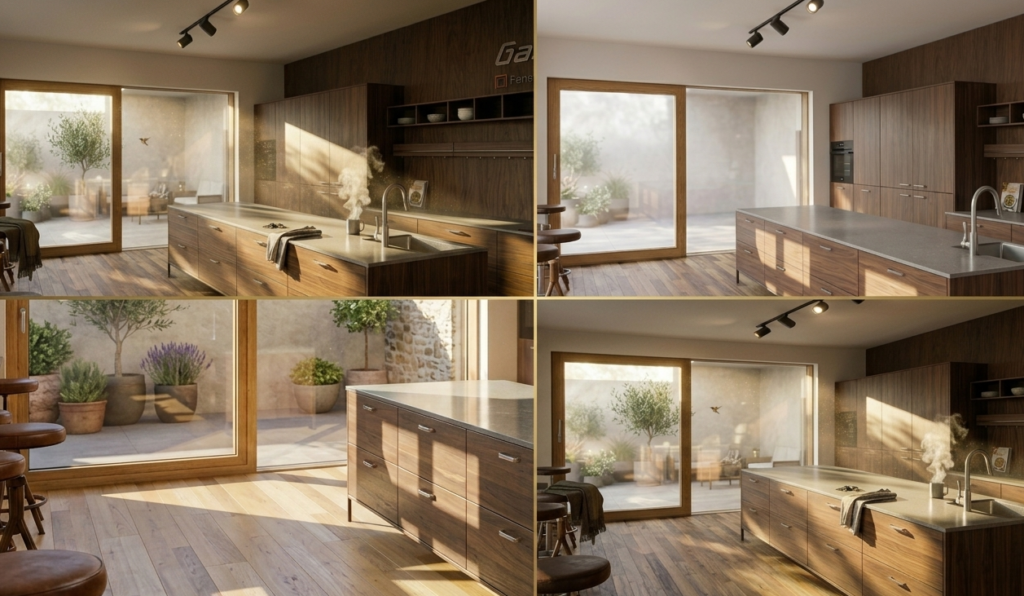
What they do:
- Midjourney: Generate photorealistic and stylized architectural renderings from prompts
- AI Image Editors: Refine outputs (material swaps, lighting changes, color corrections)
Why architects use them:
- Rapid design exploration (test 5 material options in 15 minutes)
- Client presentation visuals (moods, early concepts)
- Iterating on facade or interior schemes
- Quick furniture/fixture concepts before 3D modelling
- Interior material exploration
Real example: A refurbishment-focused firm in Berlin generates 10–15 design variants per week using Midjourney for material exploration. They pair this with SketchUp exports to maintain control. Result: concept phase compressed from 3 weeks to 5 days.
Cost: Midjourney €10–20/month, Free AI image editors available
Time saved: 4–8 hours/week on visualization iterations
3. SketchUp + AI Image Refinement
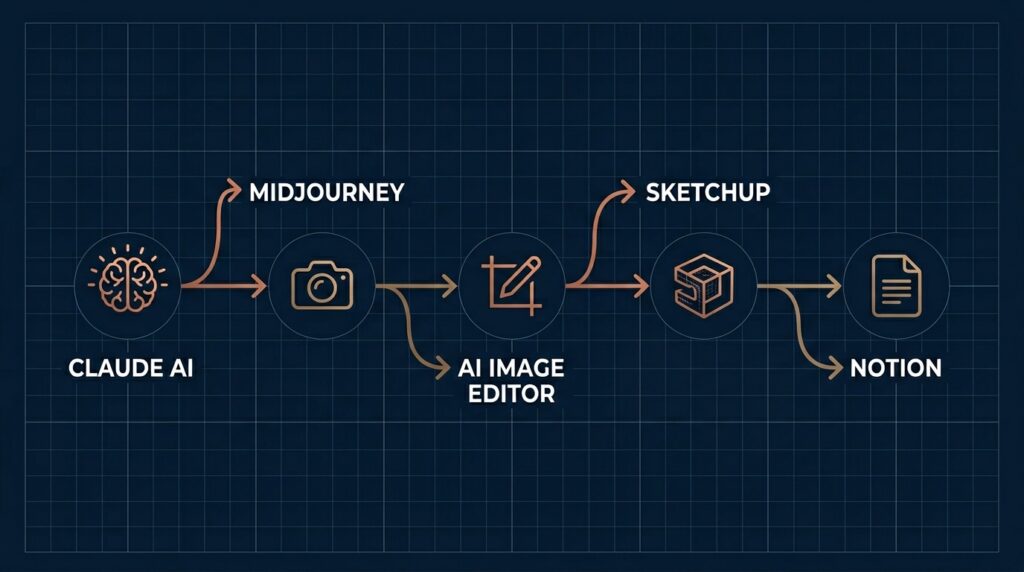
Part 2: How They Work Together
Design Concept Phase (4 weeks → 2 weeks)
Old workflow:
- Client brief (3 hours)
- Sketch concepts (1 week)
- Draft renderings (1 week)
- Revise based on feedback (1 week)
- Final presentations (3 days)
New workflow:
- Claude analyzes brief + program (30 minutes)
- Midjourney explores 20 visual directions (2 hours)
- Shortlist top 3, refine with AI editor (1 hour)
- Present to client (client picks favorites)
- Detailed concepts from winning direction (2 days)
Result: Compressed from 4 weeks to 2 weeks. Client sees visual options before any CAD work.
Part 3: Real Numbers (Time Savings Breakdown)
| Phase | Before | With AI | Saved |
| CAD Modelling | 40 hrs | 40 hrs | 0 (unchanged) |
| Rendering | 16 hrs | 2 hrs | 14 hrs |
| Documentation | 6 hrs | 2 hrs | 4 hrs |
| TOTAL | 70 hrs | 44hrs | 25 hrs (36%) |
Translation: A 3-month renovation project that used to take 70 hours of studio time now takes 45 hours. That’s 6+ days freed up per project. Multiply by 15 projects/year = 90+ days of studio capacity recovered.
Note: CAD modelling doesn’t change because AI can’t replace the structural/technical knowledge required. That’s where the defensible value is.
Part 4: Prompts You Can Copy
Prompt 1: Refurbishment Strategy (For Claude)
You are an experienced architect with 15 years in residential refurbishment.

A client has a 1970s apartment building (85m², €45,000 budget, 3-month timeline).

Create a material strategy that identifies:
1. What to RETAIN (original features worth keeping)
2. What to REPLACE (outdated/broken elements)
3. What to REFURBISH (restore + upgrade)

For each decision, show: material option, cost, timeline, sustainability impact.
Include 3 trade-offs: budget vs. quality, speed vs. durability, modern vs. period-appropriate.
Prompt 2: Design Concept Exploration (For Midjourney)
Minimalist Scandinavian living room with large bay windows, natural oak flooring,
soft warm lighting at golden hour, white walls with subtle texture, comfortable linen sofa,
potted plants, wooden coffee table, books on shelves, professional architectural photography,
warm welcoming atmosphere --ar 16:9 --quality 2
Prompt 3: Material Iteration (For AI Image Editor)
Take this interior and apply:
- Flooring: light walnut wood with matte finish
- Walls: warm beige plaster
- Lighting: warm golden 2700K
- Textiles: natural linen in cream and caramel
Result should feel warm, inviting, Scandinavian minimal aesthetic.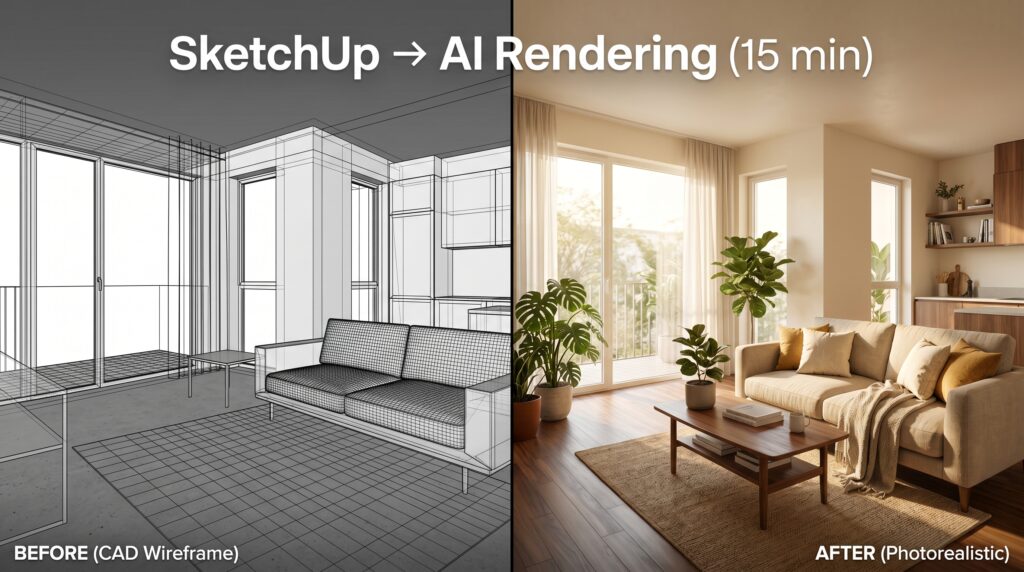
Part 5: How to Get Started (Your First Week)
Day 1: Setup (1 hour)
- Sign up: Claude Pro (€20/month) at claude.ai
- Sign up: Midjourney (€10/month) at midjourney.com
- Create Notion workspace for storing prompts + results
Day 2–3: First Real Test (2 hours)
- Pick a current project or past project you know well
- Use Claude to rewrite your project brief (30 minutes)
- Generate 5 visual concepts with Midjourney (1 hour)
- Refine 1 concept with AI image editor (30 minutes)
- Compare results to your original vision
Day 4–5: Teach Your Team (1 hour)
- Show your test results to colleagues
- Assign roles: who uses Claude? Who manages Midjourney? Who owns Notion?
- Run one live project through the workflow with supervision
Week 2+: Measure & Refine
- Track hours saved per project
- Identify which tools stick vs. which you abandon
- Adjust prompts based on your style + client feedback
Part 6: Safety & What NOT to Do
✓ SAFE PRACTICES
- Use AI for internal exploration only. Don’t show raw AI output to clients without review.
- Keep prompts vague on sensitive projects. Don’t paste full site analysis + zoning details into Midjourney.
- Always review AI outputs. Check dimensions, proportions, building codes before presenting.
- Keep final designs under your control. AI is a tool to speed up exploration, not to make design decisions.
- Document your process. Save prompts, screenshots, iterations for your records.
✗ AVOID THIS
- Don’t paste full client briefs into AI. Reduces intellectual property. Use paraphrases instead.
- Don’t assume AI knows your building code. Vienna standards ≠ Berlin standards ≠ EU regulations. Verify every constraint.
- Don’t replace 3D modellers with AI renders. AI is bad at precision. Use it for mood + concept, not for construction docs.
- Don’t use raw AI images in construction documents. That’s a liability. Always attribute AI-generated content clearly.
- Don’t rely on AI for structural/technical decisions. It hallucinates specs. You remain responsible.
The Bottom Line
AI didn’t replace architects. It replaced the rendering software and the sleepless nights.
You still make the design decisions. You still own the concept. You still take responsibility for every detail.
But now you can show clients 10 options instead of 2. You can iterate on materials in hours instead of weeks. You can have the concept right before you spend 40 hours CAD-ing it out.
That’s the leverage point.
About LX Design Studio
We help architecture and design firms across Austria, Germany, and the EU adopt AI tools without losing control or quality.
We offer:
- AI Tool Audit (€2,500–4,000): We review your current workflow, identify where AI saves the most time, and set up tools + prompts for your team.
- Team Workshop (€1,500–3,000): Half-day or full-day training. Your team learns by doing on a real project.
- 3-Month Retainer (€800–1,500/month): Ongoing support. We optimize prompts, troubleshoot, and track results as you scale.
Contact:
[email protected] | +43 660 187 6008 | lxdesignstudio.co